Your First Week on FolioProjects: From beginner to competent
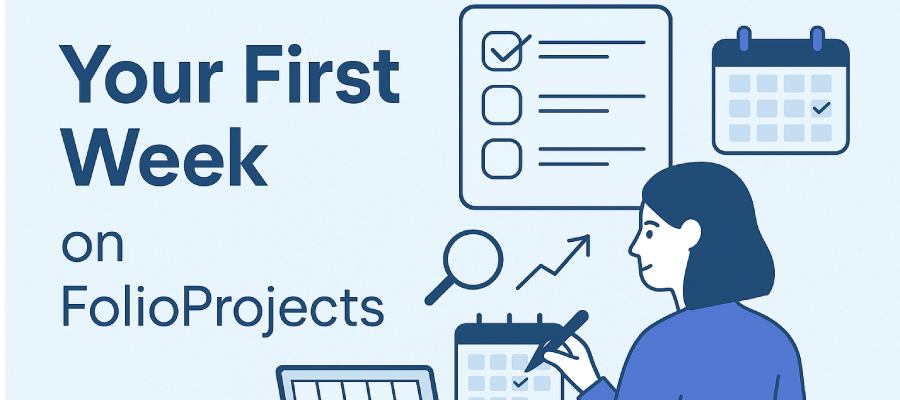
This guide walks you through your first seven days on FolioProjects — from setting up your profile to sharing your first project and exploring advanced features. Think of it as a hands-on tour with links to deeper guides if you want to dig in.
Day 1 — Profile & Security
Start by setting up your account details:
- Edit your name, email, and profile details under Profile.
- Change your password anytime by entering a new one in the blank field on your profile page.
- Review active logins under the Security tab and sign out sessions you don’t recognize.
Day 2 — Create Your First Project
Projects are the core unit of FolioProjects. Create one to track an initiative, campaign, or client deal.
- From the Projects menu, click New Project.
- Add a title, description, and milestones.
- Use Activity & Comments to log updates and keep collaboration visible.
Later, you’ll be able to connect assets, view analytics, and roll projects into portfolios.
Day 3 — Add Assets & Resources
Assets
Attach resources to projects for richer context.
- Examples: properties, contracts, equipment.
- Learn more in Assets documentation.
Resources
Resources feed data into analytics and ESG rollups.
- Examples: energy usage, invoices, or event data.
- See Resources guide for details.
Day 4 — Explore Analytics & Sentiment
FolioProjects provides analytics and community sentiment to measure project health.
- Analytics: track visitors, engagement, and performance.
- HueFlux: collect stakeholder sentiment with QR codes or links.
- Sustainability Snapshot: see ESG rollups across projects.
Day 5 — Share With Links & QR
Make your project visible to colleagues, clients, or the public.
- Create Smart Links to control access and track engagement.
- Generate QR codes to use in brochures, posters, or presentations.
- Learn how sharing works in the Sharing guide.
Day 6 — Portfolios & Rollups
Group multiple projects into a portfolio for a higher-level view.
- Create a new portfolio from the Portfolios menu.
- Projects added to a portfolio contribute to ESG rollups and dashboards.
- Explore the Portfolios documentation for details.
Day 7 — Next Steps & Best Practices
After your first week, you’ll be comfortable creating, tracking, and sharing projects. Here are some best practices:
- Review Security settings regularly.
- Use Notifications to stay informed.
- Check Broadcast Displays to show live updates in offices or events.
- Read about Maps & Locations to add geocodes to projects and assets.