Understanding the Dashboard: It looks complicated but its easy to learn
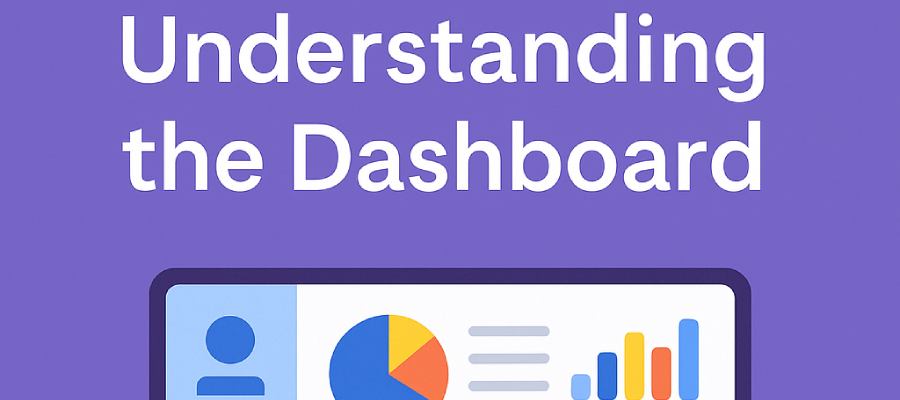
Dashboards turn activity into insight. This article explains how FolioProjects dashboards work, why they matter, and how to get real value from them without drowning in data.
Why Dashboards Matter
Teams want clarity. Leaders want to know two things very quickly. Are we on track right now. What needs attention next. A good dashboard compresses answers into a single view and removes the need to hunt through reports.
- See status and risk at a glance
- Spot trends and momentum early
- Share a reliable source of truth with stakeholders
The FolioProjects Approach
FolioProjects uses a layered model. Each layer serves a different audience. Private daily views live beside public facing profiles. The result is focus for operators and transparency for stakeholders.
Main Dashboard
Your command center after login. See account wide analytics, tasks, and risks at a glance.
- Today view with quick actions
- Recent risks and activities
- Shortcuts to work in progress
Profile Dashboard
Your public face with privacy controls for what clients and peers can see.
- Headline and contact details
- Upcoming projects and simple stats
- Visibility set in Security settings
Project Dashboard
Context and status for a single project. Share it when you need buy in.
- Participants and milestones
- Sentiment from HueFlux
- Links to risks, assets, and activity
Portfolio Dashboard
A rollup across many projects for leaders who want the big picture.
- Program progress and blockers
- ESG view with the Sustainability Snapshot
- Auto updates as projects change
Asset Dashboard
Status for an individual resource such as a property or a piece of equipment.
- Health and recent changes
- Pairs with Maps and Locations
- Shareable for vendor coordination
Anatomy of a Useful Dashboard
Signals you can scan
- Status pills for on track, at risk, or off track
- Short trend arrows for movement
- ESG rollups for a clear sustainability summary
- Visitor and engagement analytics
Depth when you need it
- Open risks and recent changes
- Activity and comments for an audit trail
- Smart Links and QR for outreach and tracking
- Broadcast displays for office and venue screens
Dashboards and Reports
Reports are detailed and fixed in time. Dashboards are live and interactive. You need both. Use reports for audits and deep analysis. Use dashboards for daily focus and stakeholder trust.
| Use | Dashboards | Reports |
|---|---|---|
| Cadence | Live view that updates often | Snapshot for a moment in time |
| Audience | Operators and leaders | Auditors and executives |
| Depth | Scan signals with drill in as needed | Deep narrative and evidence |
| Share | Smart Links and public pages | PDF or long form write up |
How Teams Use Dashboards
Real estate and construction
Share project status with communities and councils. Track sentiment with HueFlux. Link to the guide on stakeholder engagement in housing.
Nonprofits and public agencies
Show funders live progress. See nonprofit engagement and funding for examples.
Energy and natural resources
Use portfolio dashboards for ESG oversight. Pair with public sustainability dashboards for trust.
IT and product teams
Connect tickets and releases to project outcomes. See IT service management and project alignment for context.
Case Example
A regional program team created a portfolio dashboard before the next board cycle. Within one week the team spotted a risk trend in two projects. They rebalanced resources and avoided a costly delay. The dashboard then became a public facing status page that improved stakeholder confidence.
Best Practices
- Start each day on the Main Dashboard
- Review Portfolio Dashboards weekly with leaders
- Write short project updates on a consistent cadence
- Use Smart Links and QR for outreach and tracking
- Set privacy until a page is ready for public viewing
Frequently Asked Questions
Want step by step setup. Read the Dashboards documentation. New to the platform. Start with Your First Week on FolioProjects.